

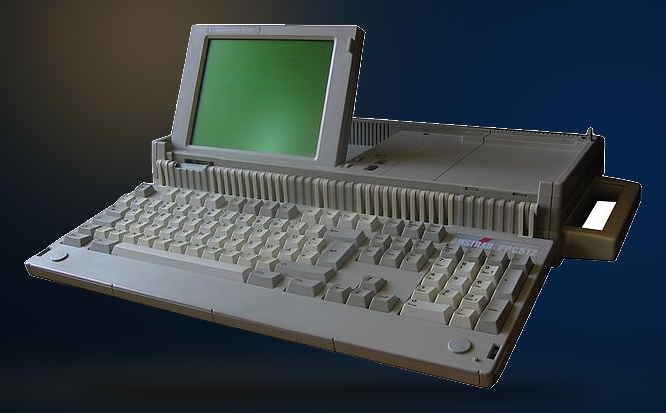
Amstrad PPC512 | TechMuseum
Year of manufacture: 1988
Technical Specifications:
- Processor: Nec V30, 8 MHz
- RAM: 512 KB
- FDD: two 3.5″ floppy
- HDD: –
- Audio: PC speaker
- Connectors/Ports: monitor, two expansion bus, serial, parallel, CGA video out
- Case: Portable type
- Monitor: Monochrome
- OS: MS-DOS 3.2 or MS-DOS 3.3
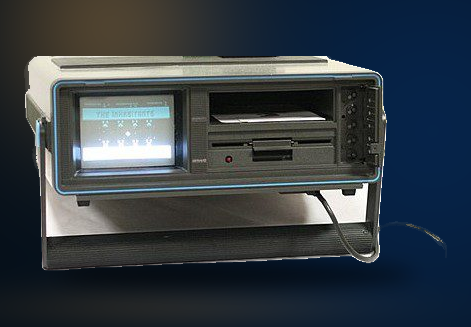
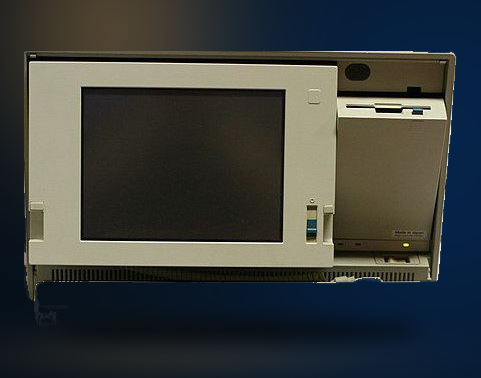
The Amstrad PPC512 has a Nec V30 processor at 8 MHz and memory of 512kB. Equipped with two floppy disks of 3.5” it ran with the operating system of the MS-DOS 3.2 or MS-DOS 3.3 version.
Amstrad was founded back in 1968 by Alan Sugar. Originally the name of the company was AMS Trading, deriving from acronyms Alan Michael Sugar Trading Limited Company. The corporation was involved in various divisions. Among them were the television, car stereo cassettes, amplifiers and tuners. Later on Amstrad focused on personal computers – portable ones as well- telecommunications and satellite systems.
During the 1980s expanding business, Amstrad entered the computer manufacturing market. The principal aim was to present competition to rivals of that time, Commodore and Sinclair. It gradually introduced to consumers the CPC range and later to PCW, PPC ones. Primarily, they were word processors equipped with integrated printers, while personal computers followed along. During the 1990s the company aimed more on computer portability, while trying in the meantime enter the video game console division as well.
That was just a snapshot on the presentation of the techmuseum series. Indulge more into the history. Continue reading more about the present model, the Amstrad PPC512 here.
PC.GR
The history of personal computers
Explore this exhibit with the video guide, which opens the PC.gr presentation in a video window.