

Turning light into data
A scanner translates measurements of light into a digital image. Resolution determines sampling density; colour depth describes tonal precision. Neither setting alone guarantees a faithful copy. Dust, skewed pages and printed halftone patterns can all affect the result.
A bridge between collections
NIST documents Russell Kirsch’s team digitising a photograph in 1957. Later desktop scanners made image capture a practical activity at home and in small offices. Flatbed, handheld and film scanners approached the task in different ways. Large scans also demanded substantial memory and storage from contemporary PCs.
Beyond a picture of words
Optical character recognition adds another step by identifying characters within the scan. Searchable text still needs proofreading, especially with damaged originals, columns and accented Greek characters.
Keeping the context
For a technology collection, scanning connects machines with manuals, advertisements and ownership records. A digital copy should retain information about its source and any processing. It offers access without replacing the original object or the historical evidence written in its margins.
Sources and further reading
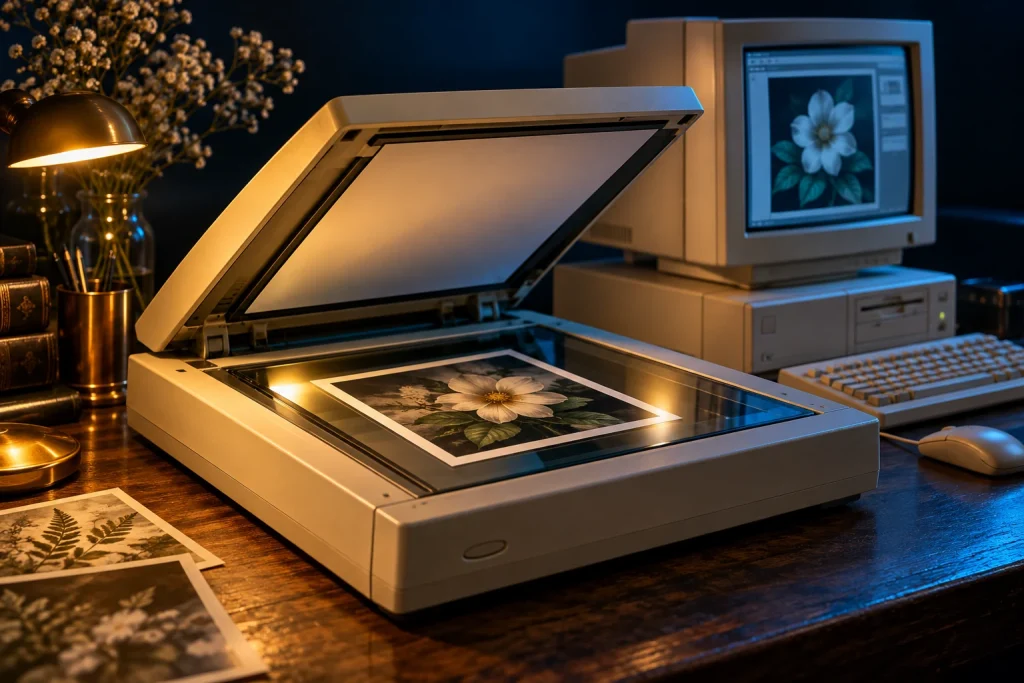
The accompanying image was created with AI for PC.gr as an artistic illustration of this article’s subject.
Σύνταξη & Επιμέλεια: Βλαχογιάννης Λ. Γεώργιος
Μέλος της Ένωσης Συντακτών Εφημερίδων, Περιοδικών και Ηλεκτρονικών Μέσων Βορείου Ελλάδος