

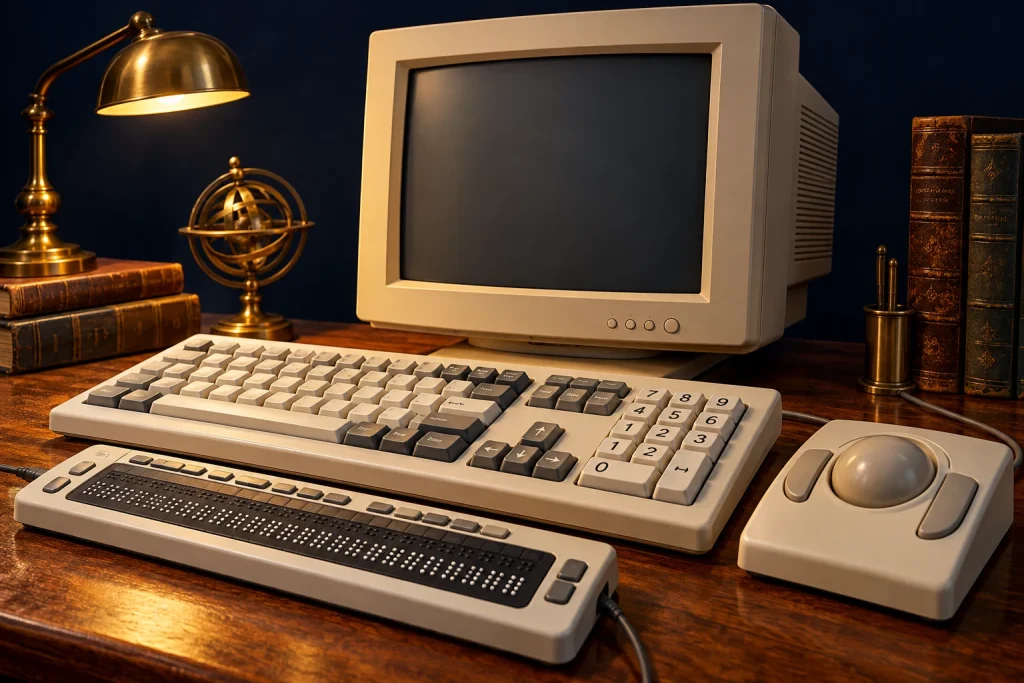
“Personal” computing gains meaning when a system can adapt to its user. People do not all see, hear or move in the same ways, and conventional interfaces can create barriers.
Different forms of information
Screen readers can convey available information through speech and supported outputs. Refreshable Braille provides tactile access, while magnification serves other needs. No single solution suits every person or task.
Different ways to act
Large keys, keyguards, trackballs and switches offer alternatives. Software settings can also change how combinations or repeated presses are interpreted. Complete keyboard access helps many users, including those who cannot operate a mouse.
Applications must cooperate
Assistive tools need meaningful information about interface elements. Clear button names and predictable interaction matter. Graphical environments introduced both opportunities and new challenges, making accessibility an ongoing design responsibility.
Users contribute expertise
Testing with people who use different access methods reveals issues a routine demonstration can miss. Their experience belongs in technology’s history. Progress concerns not only speed and capacity, but who can learn, create and communicate with greater independence.
Sources and further reading
The accompanying image was created with AI for PC.gr as an artistic illustration of this article’s subject.
Σύνταξη & Επιμέλεια: Βλαχογιάννης Λ. Γεώργιος
Μέλος της Ένωσης Συντακτών Εφημερίδων, Περιοδικών και Ηλεκτρονικών Μέσων Βορείου Ελλάδος