

Non-linear choices
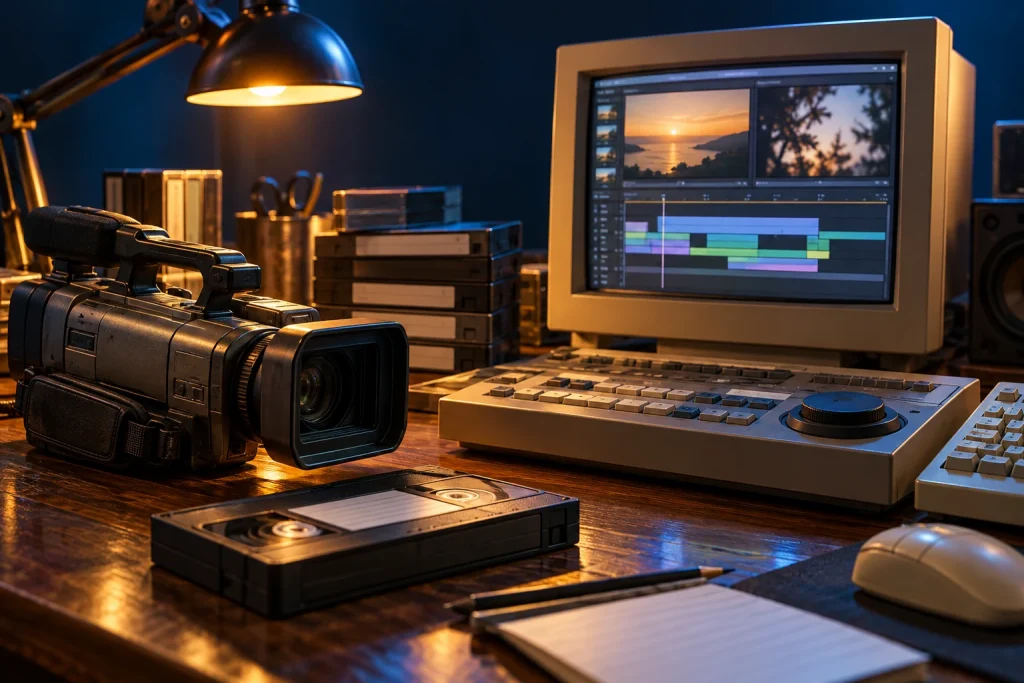
Non-linear editing lets creators arrange clips without rebuilding an entire sequence from the beginning. A timeline shows duration and relationships. A project file often stores editing decisions and references rather than containing every source asset.
Getting footage into the computer
Analogue capture and digital transfer involved different devices, cables and software. Sustained data movement made storage and processing performance central to the experience.
Seeing time
The timeline makes pauses, cuts and sound placement visible, but the result still needs to be watched. A tidy arrangement is not necessarily a well-paced story. Rendering delays also influenced practical creative decisions.
Keeping a production complete
Source footage, project files, fonts and application details help explain an old production. A final export preserves the viewing experience; the supporting assets preserve the process. Together they show how the PC became a workshop for moving-image storytelling beyond professional editing rooms.
Sources and further reading
The accompanying image was created with AI for PC.gr as an artistic illustration of this article’s subject.
Σύνταξη & Επιμέλεια: Βλαχογιάννης Λ. Γεώργιος
Μέλος της Ένωσης Συντακτών Εφημερίδων, Περιοδικών και Ηλεκτρονικών Μέσων Βορείου Ελλάδος