

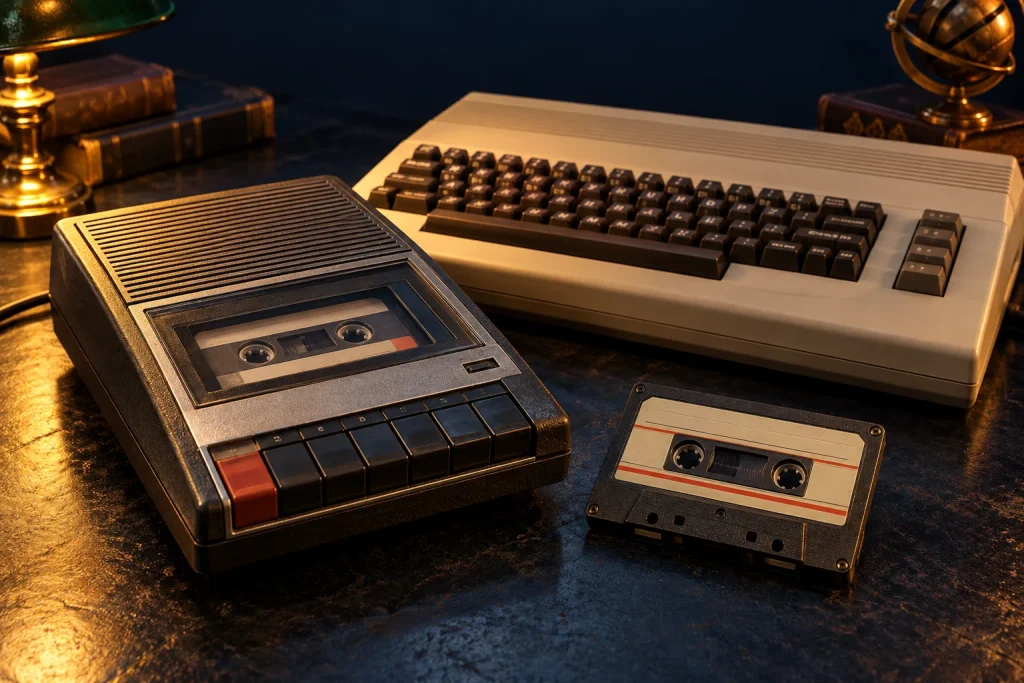
A cassette could hold music, but also a game or program. For many home-computer users, starting an application meant issuing a load command, pressing Play and waiting.
Information as a recorded signal
Computers encoded digital information into signals that magnetic tape could store. Playback allowed the system to reconstruct the data. Different machines used different formats and speeds, so a shared physical cassette did not guarantee compatibility. Standards such as the Kansas City Standard addressed only part of this diversity.
Affordable storage
Cassettes offered a familiar alternative to purchasing a disk drive. Some computers used ordinary recorders; others had dedicated devices such as the Commodore Datasette. Users could keep their own programs after switching off the computer.
The importance of sequence
Tape was read sequentially. Labels and counter readings helped locate recordings, but access was not immediate. Recording quality, tape condition and equipment settings could affect successful loading. A late error might mean starting again.
Personal histories
Beyond commercial games, tapes held BASIC experiments, exercises and home-made utilities. Handwritten labels connect these files with individual people and uses.
Preserving the information
Recording a tape’s audio does not by itself recover a working program. Decoding and verification are also required. The cassette reminds us that digital storage once had a very audible, mechanical rhythm.
Sources and further reading
- Computer History digital history collection — Memory & Storage
- Computer History digital history collection archive — Getting down to business with your microcomputer
The accompanying image was created with AI for PC.gr as an artistic illustration of this article’s subject.
Σύνταξη & Επιμέλεια: Βλαχογιάννης Λ. Γεώργιος
Μέλος της Ένωσης Συντακτών Εφημερίδων, Περιοδικών και Ηλεκτρονικών Μέσων Βορείου Ελλάδος