

Between pressing the power switch and reaching a desktop lies a sequence of preparation. Older PCs made it visible through memory counts, messages and drive activity.
The first instructions
Classic PC BIOS firmware supplied low-level functions and helped initialise hardware before an operating system loaded from disk. BIOS was not the same as DOS or an application, which explains why initial messages could appear without a working system disk.
Checks and signals
Power-on checks varied across machines. Messages or beep patterns needed documentation for the particular firmware; there was no universal interpretation for every computer.
Passing control onward
Boot order determined which available medium was tried first. Control passed through loading software to the operating system. A failure’s position in this sequence helps explain what happened.
Different firmware generations
Later UEFI systems introduced a different framework, even when users continued saying “BIOS.” Recording the actual firmware matters in a historical collection. Startup screens provide a brief view of the machine’s configuration before ordinary work begins.
Sources and further reading
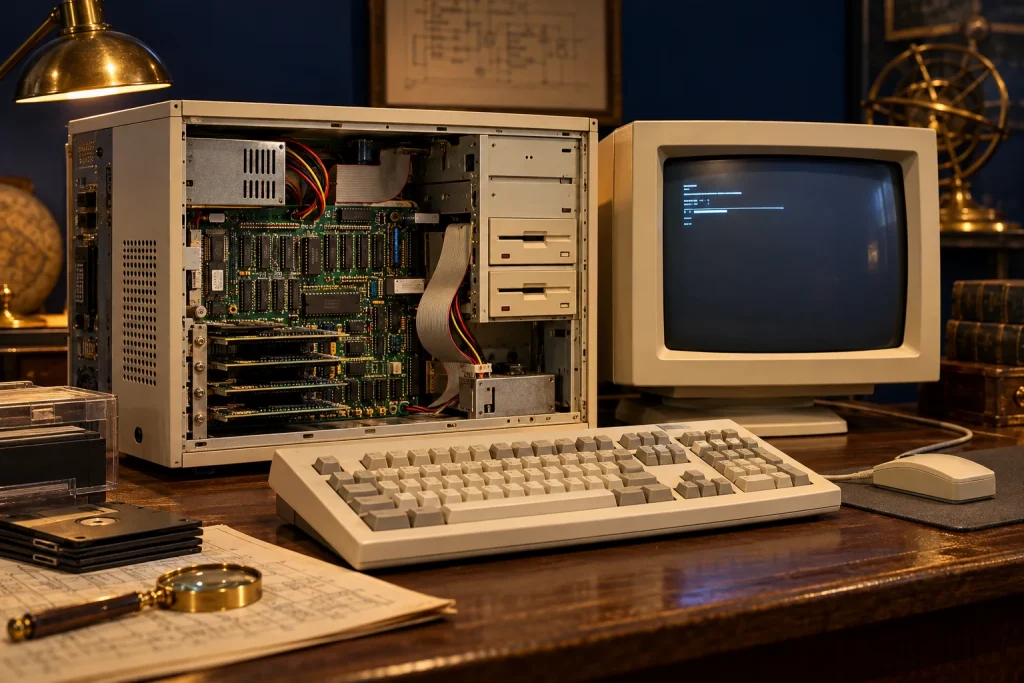
The accompanying image was created with AI for PC.gr as an artistic illustration of this article’s subject.
Σύνταξη & Επιμέλεια: Βλαχογιάννης Λ. Γεώργιος
Μέλος της Ένωσης Συντακτών Εφημερίδων, Περιοδικών και Ηλεκτρονικών Μέσων Βορείου Ελλάδος